FIND
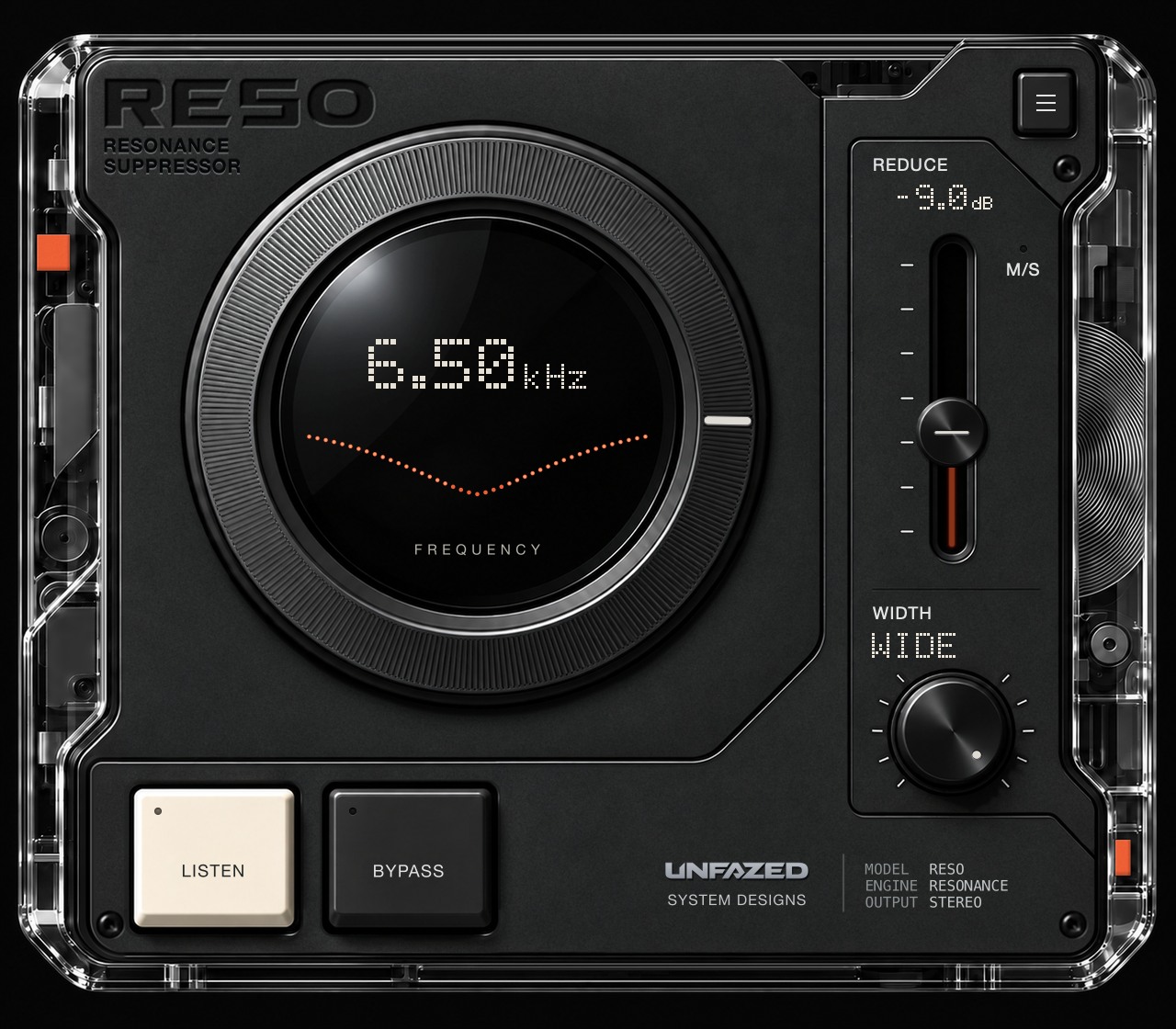
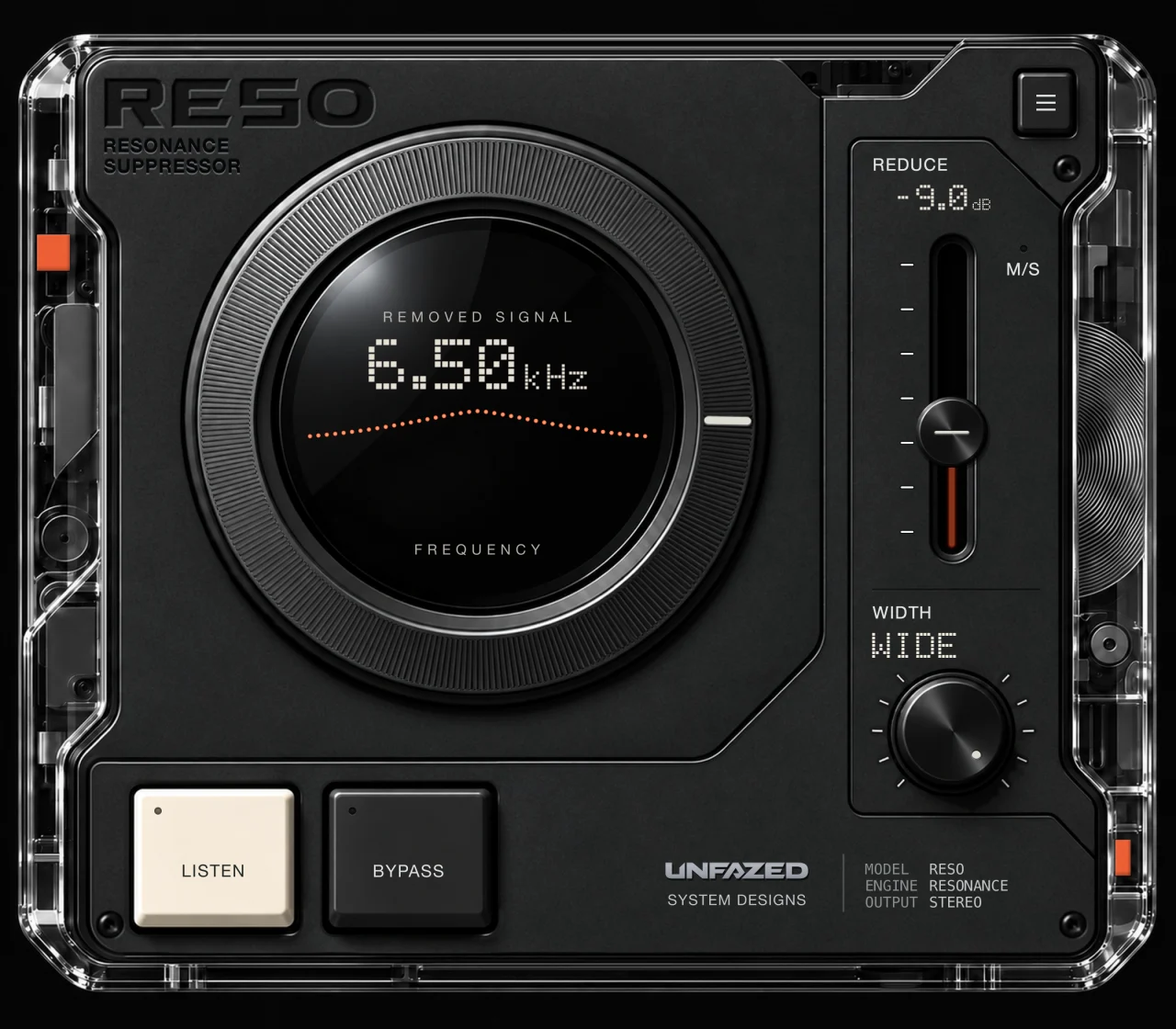
Turn the ring to choose the frequency. Use LISTEN to isolate the band around it and hear what you’re aiming at.

RESONANCE SUPPRESSOR / BY UNFAZED
THAT ONE
FREQUENCY.
The ring. The boom. The whistle you can’t unhear. Find the frequency that’s getting in the way, shape the cut, and let DYNAMIC follow it.
$29 USD macOS [Apple Silicon] & Linux
01 / THE WORKFLOW
One target frequency. As much control as you need to deal with it.
Turn the ring to choose the frequency. Use LISTEN to isolate the band around it and hear what you’re aiming at.
Pull REDUCE up for a deeper cut. Turn WIDTH for a narrow notch or a broader reduction. You decide how much goes.
Raise DYNAMIC to make the cut follow the level in that band. REDUCE sets the maximum depth. At 0% DYNAMIC, the cut stays static.
02 / STARTING POINTS
Low-end build-up, vocal bite, a ringing snare. Pick a starting point, then find the frequency in your own sound.
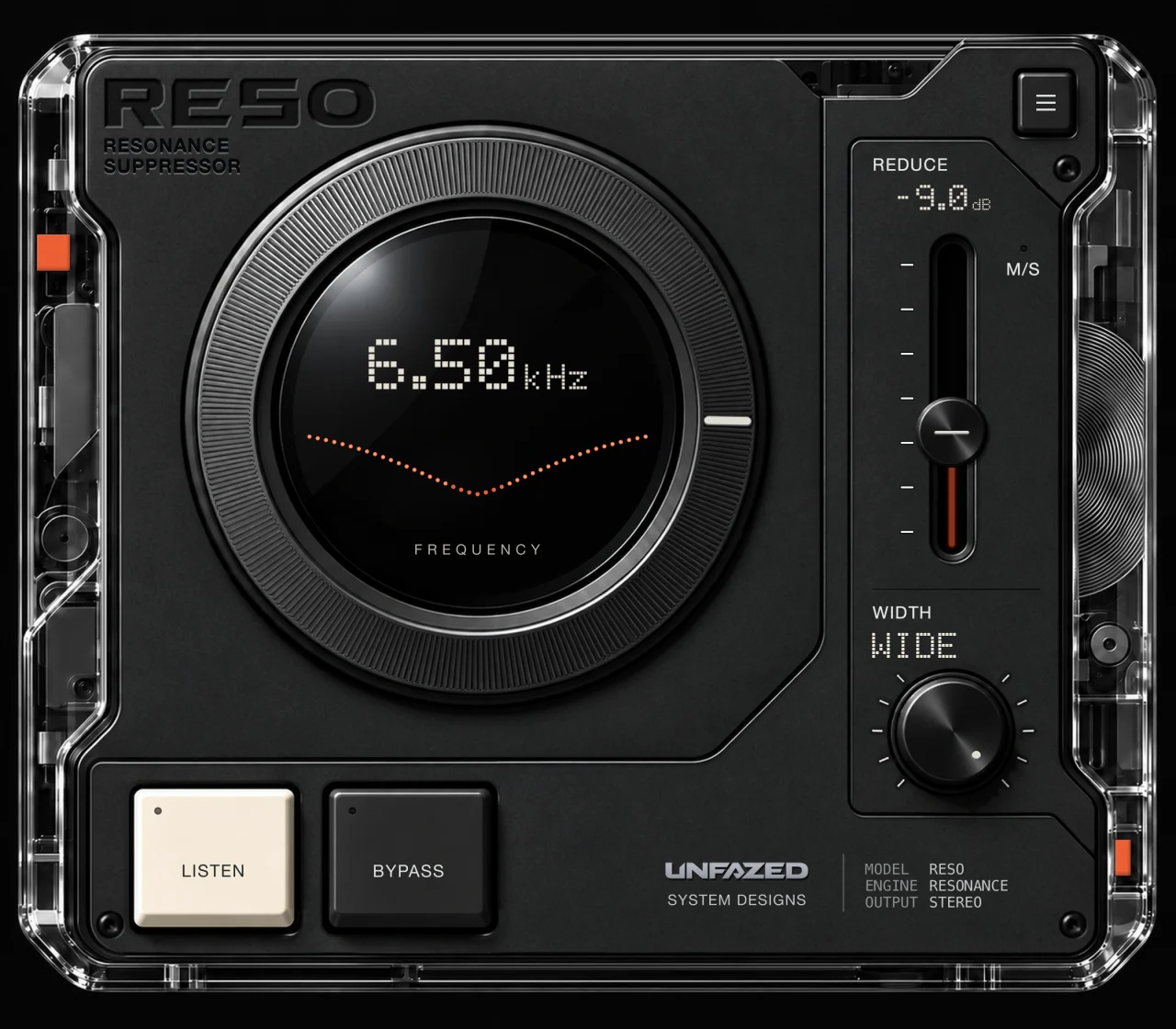
A starting point for sharp vocal sibilance. Adjust FIND to the voice.
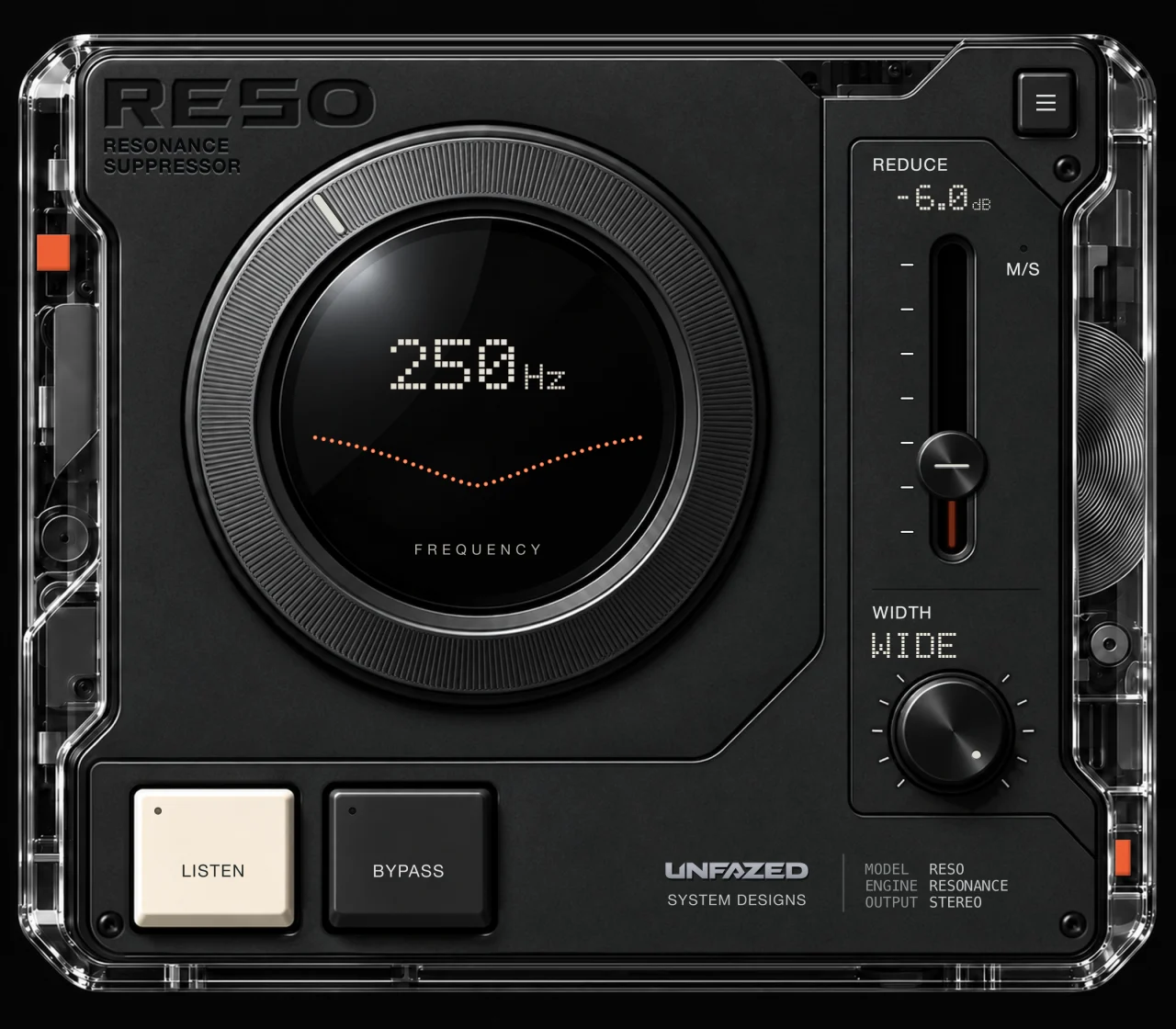
Start in the low mids when the mix feels crowded.
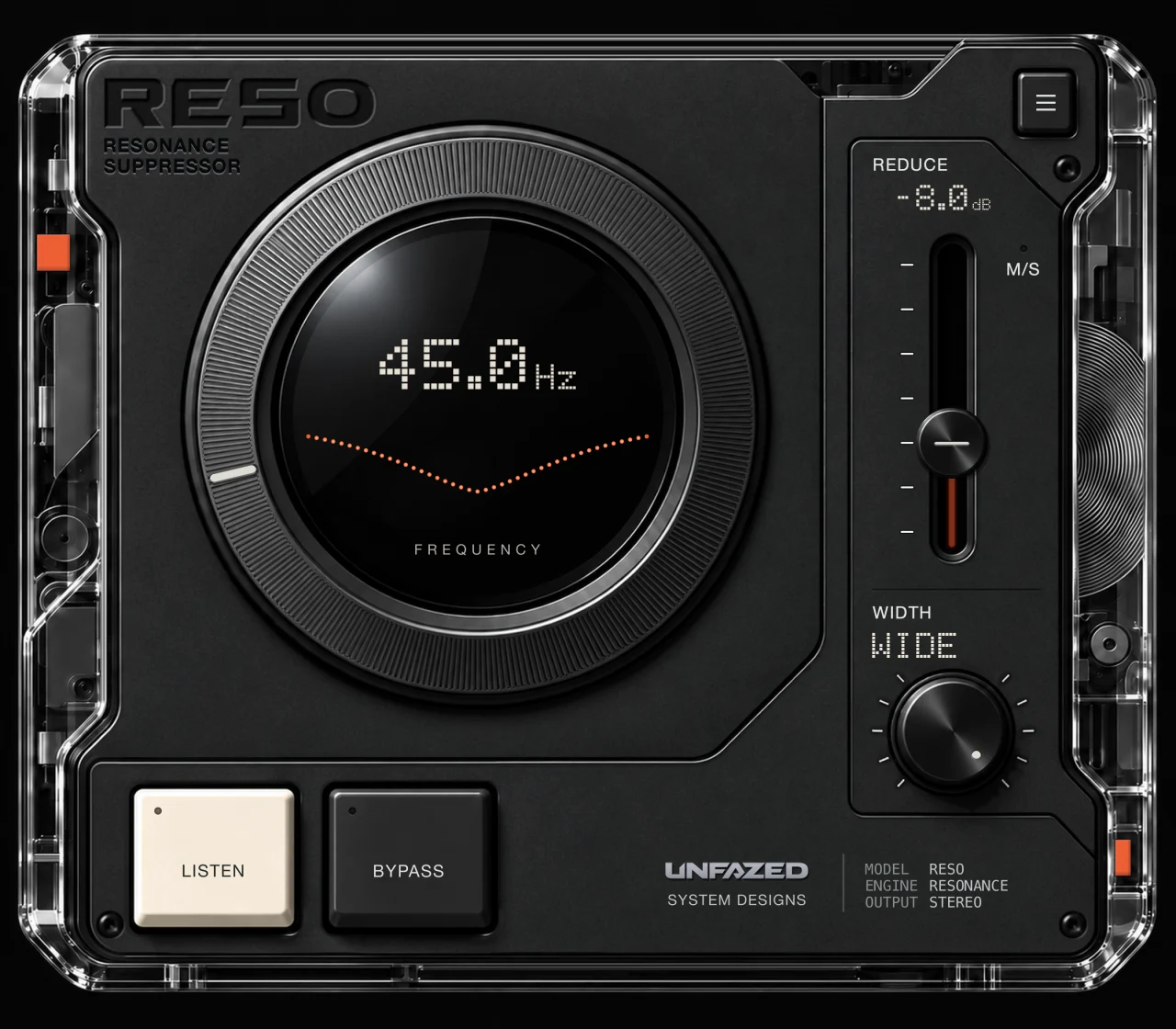
A low-frequency starting point for sub build-up.
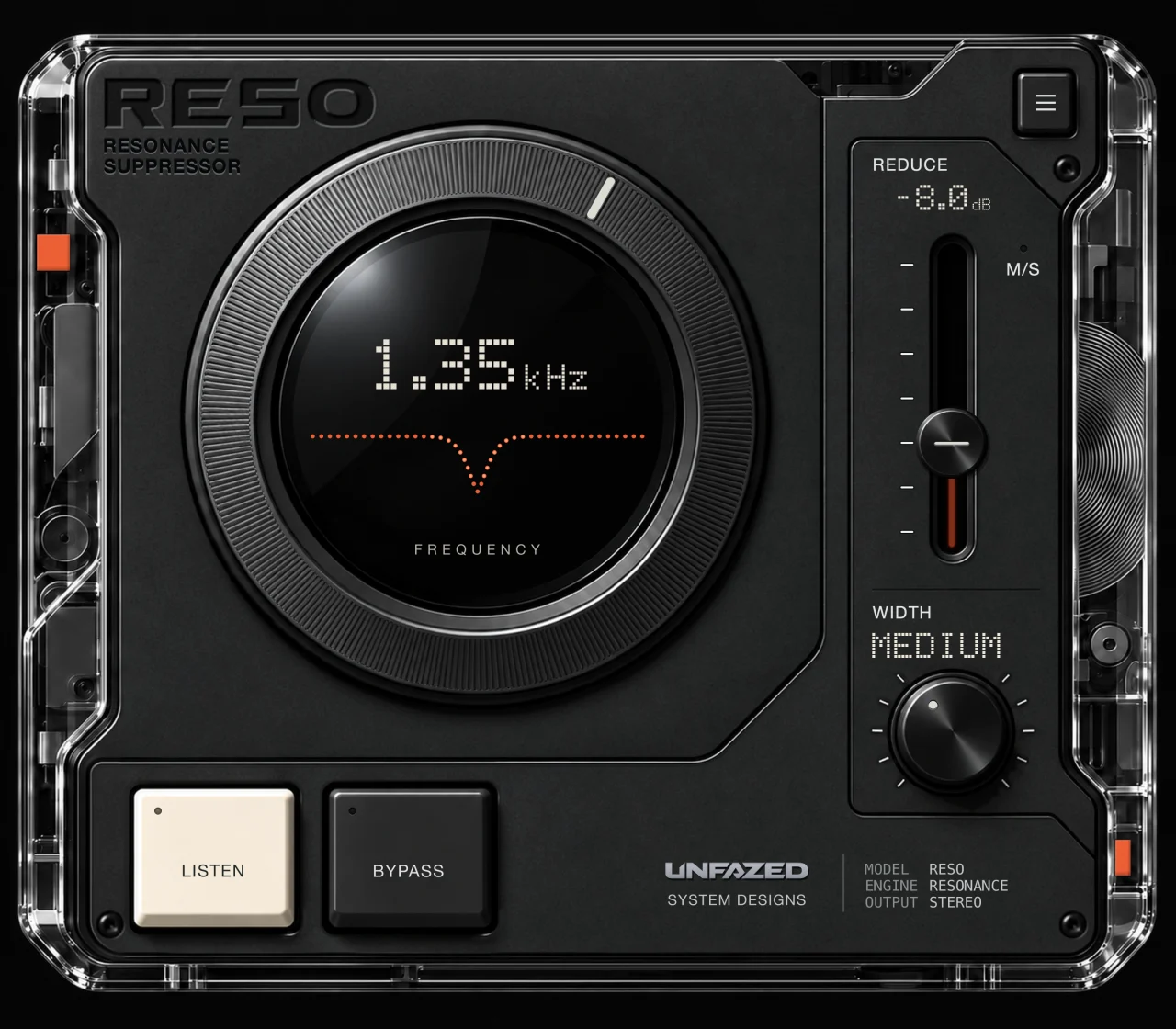
Find the ring in the snare, then set how far to pull it back.
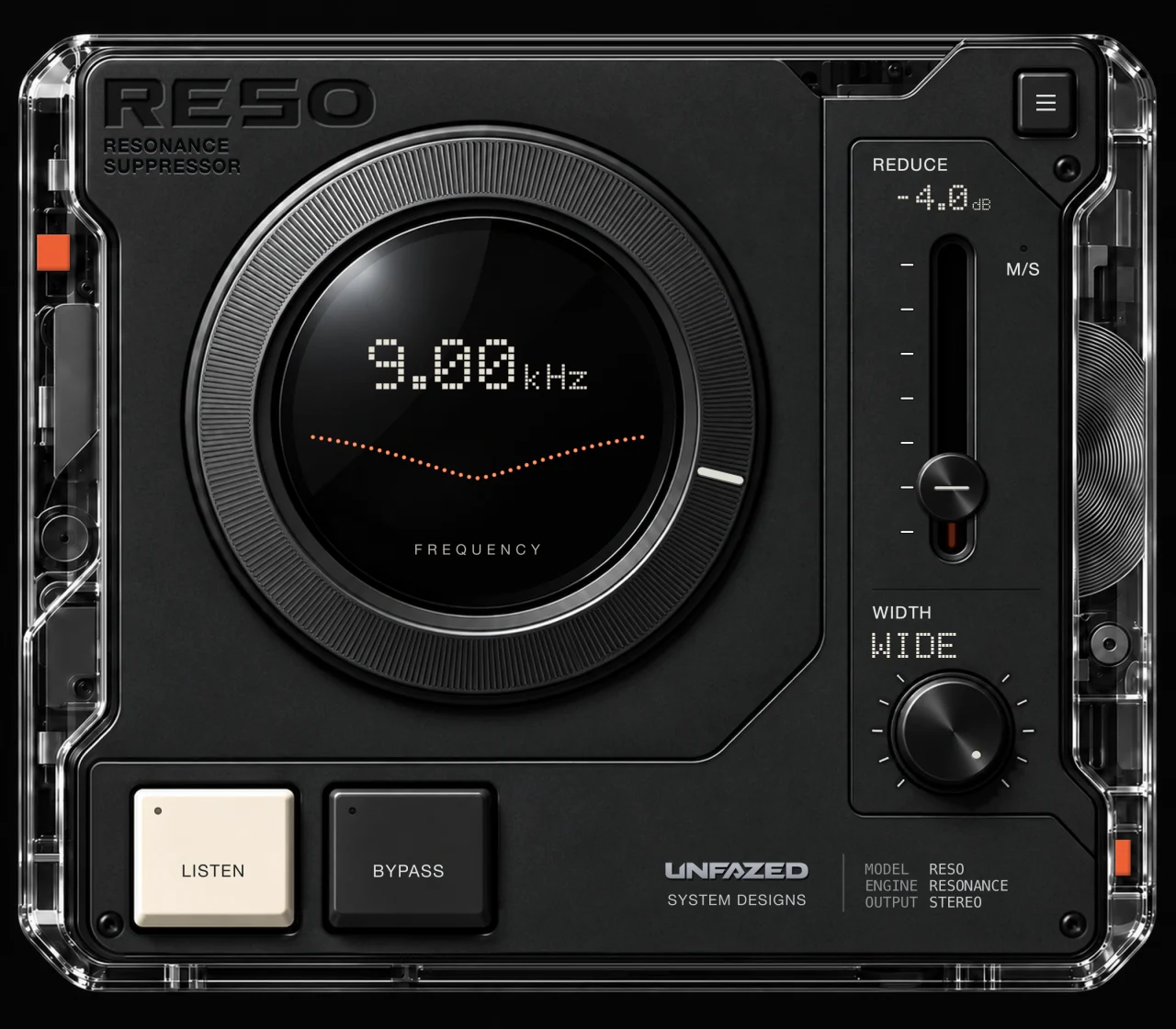
A starting point for a top end that draws too much attention.
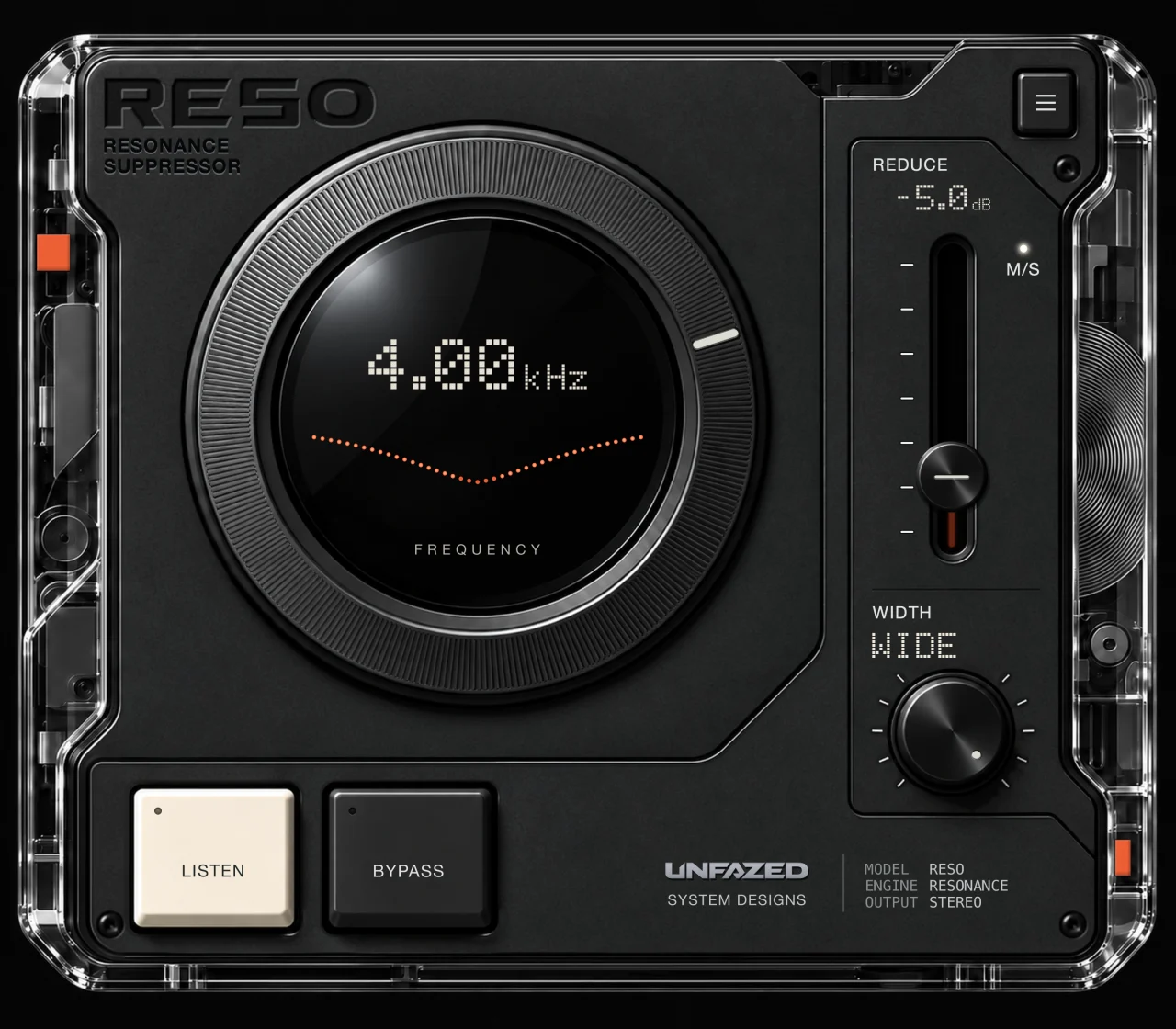
Different cut depths for the centre and sides. The face shows the deeper −5 dB setting.
Grouped here to help you browse. In RESO, they live in one factory list. INIT gives you a blank starting point, and you can save your own settings as .resopreset files.
03 / UNDER THE SURFACE
Open SOUND to go deeper. Explore the twelve controls behind the menu.
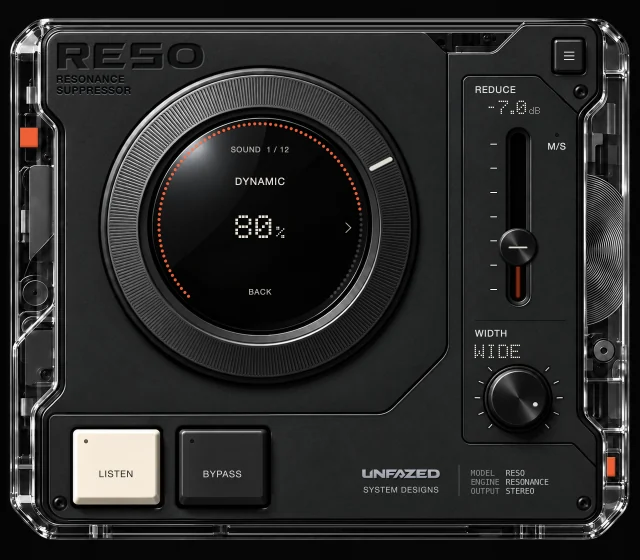
Set how much the cut follows the signal. At 0% it stays static; higher settings ease back in quieter passages. REDUCE sets the deepest cut.
0–100%
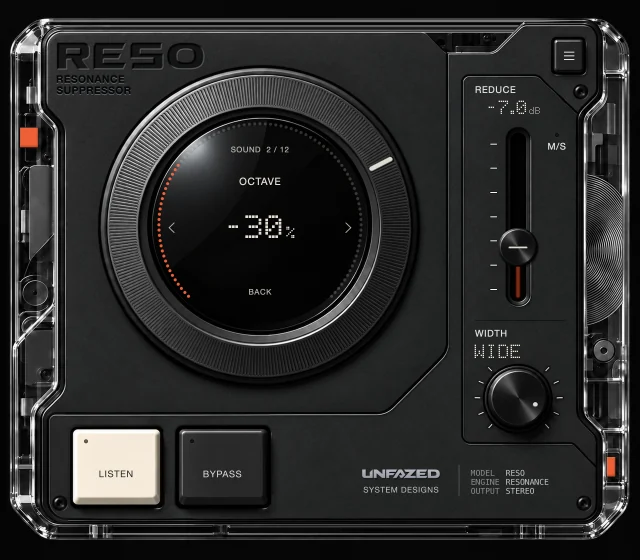
Add lighter cuts at twice and four times the FIND frequency, each with its own detector.
0 to −100%
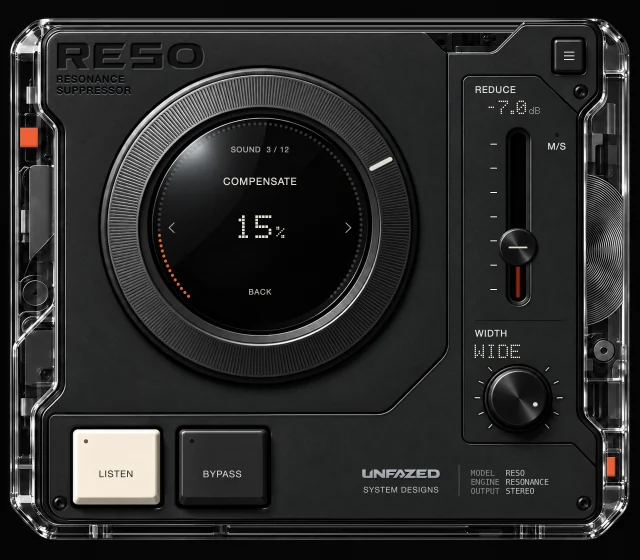
Give back body with a broad boost around FIND that follows the amount of reduction.
0–100%
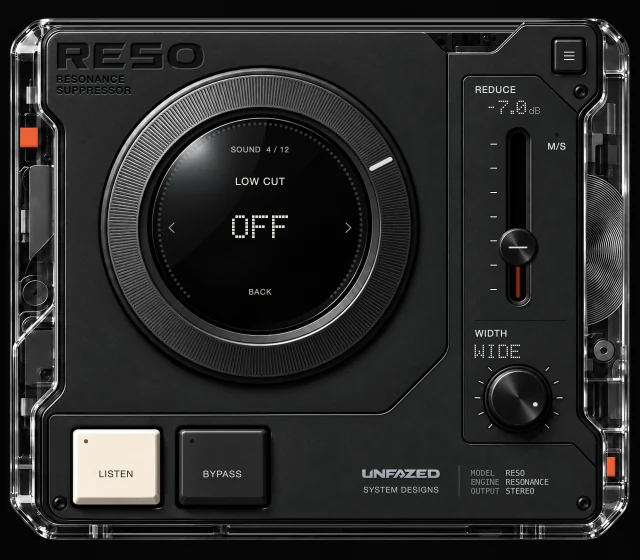
Clear rumble with a high-pass filter before the resonance cuts.
OFF–500 Hz · 24 dB/octave
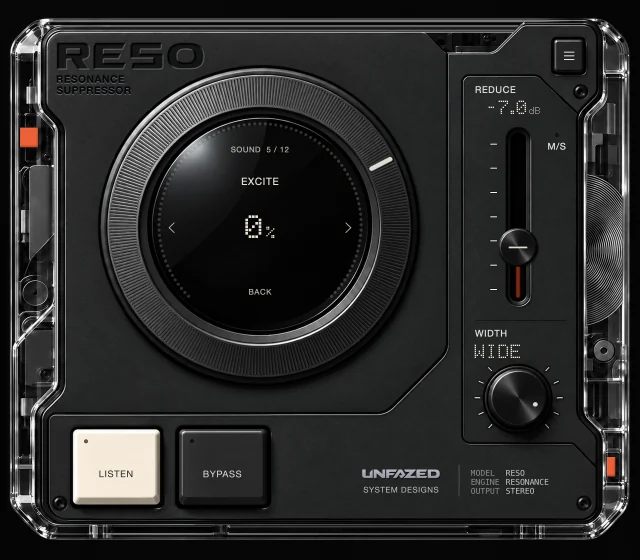
Shape presence with fixed EQ: a high-frequency lift and a small upper-mid dip, independent of FIND.
0–100%
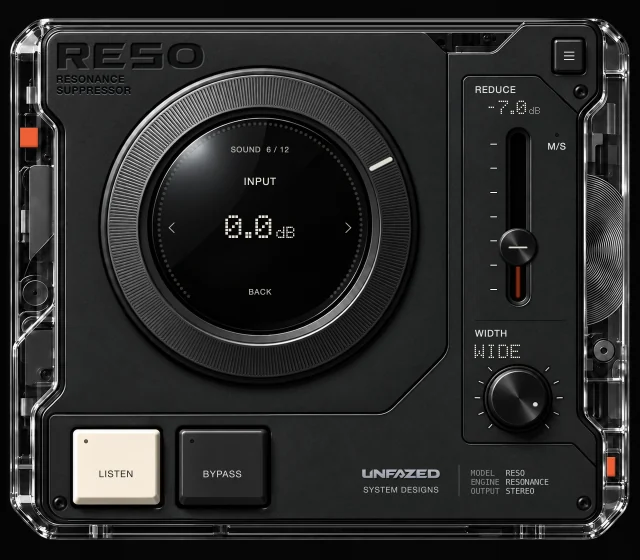
Set the level before processing. INPUT also changes how strongly DYNAMIC responds.
−24 to +24 dB
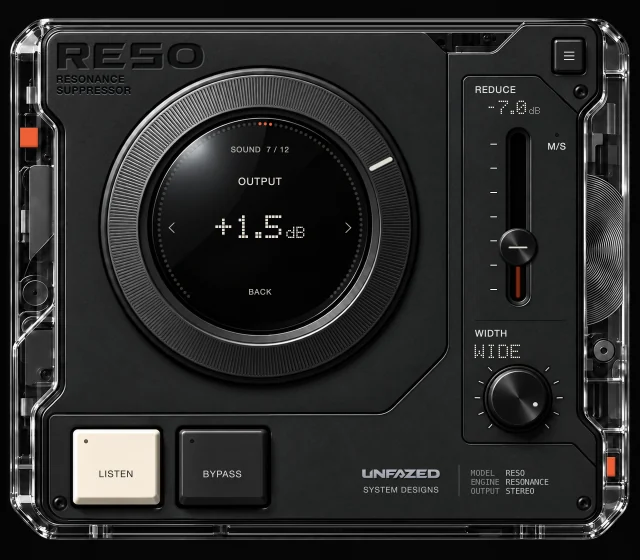
Trim the level after processing and match the processed signal to BYPASS.
−24 to +24 dB
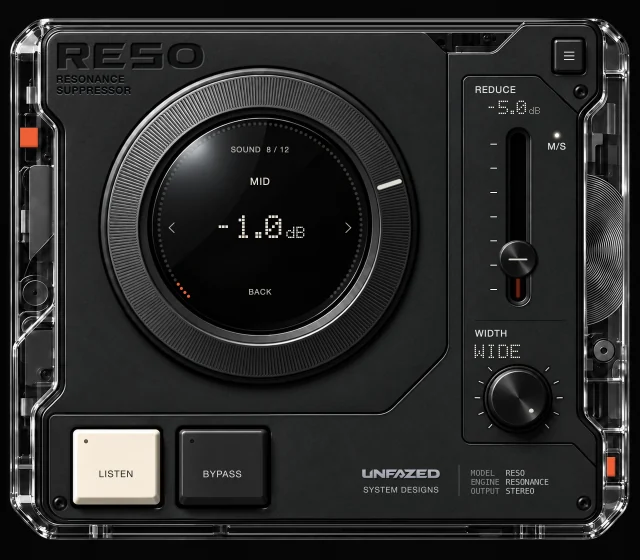
Set a separate cut for the centre of the stereo image while M/S is on.
0 to −24 dB · M/S enabled
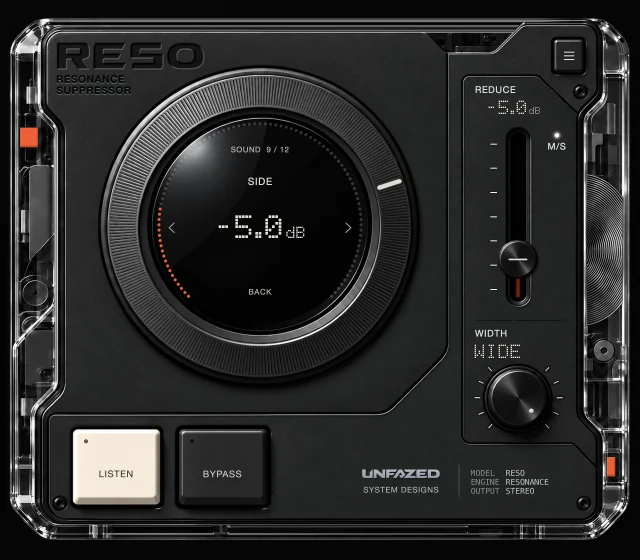
Set a separate cut for the difference between the left and right channels while M/S is on.
0 to −24 dB · M/S enabled
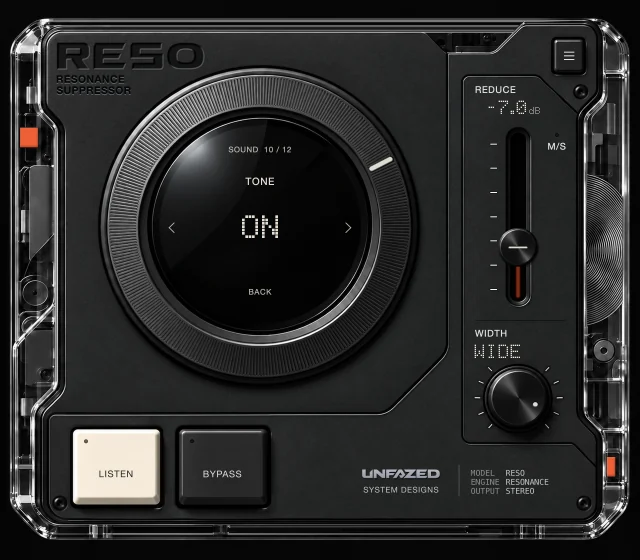
Apply a fixed contour: less low body, a lift in the highs and a roll-off at the very top.
ON / OFF
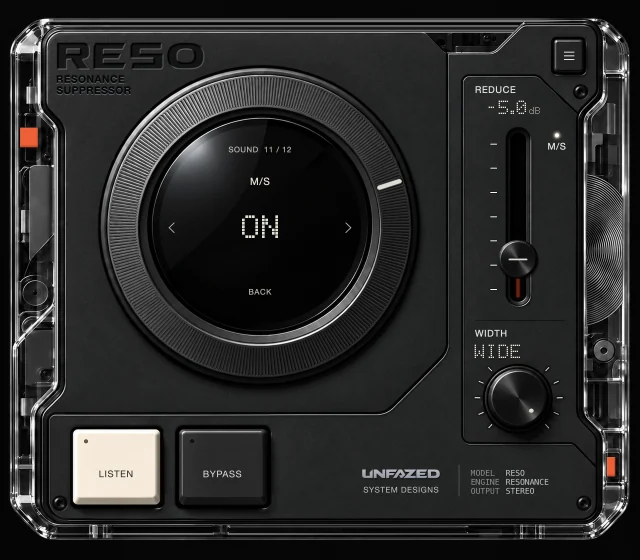
Switch from one shared cut to separate MID and SIDE cuts, each with its own detector.
ON / OFF
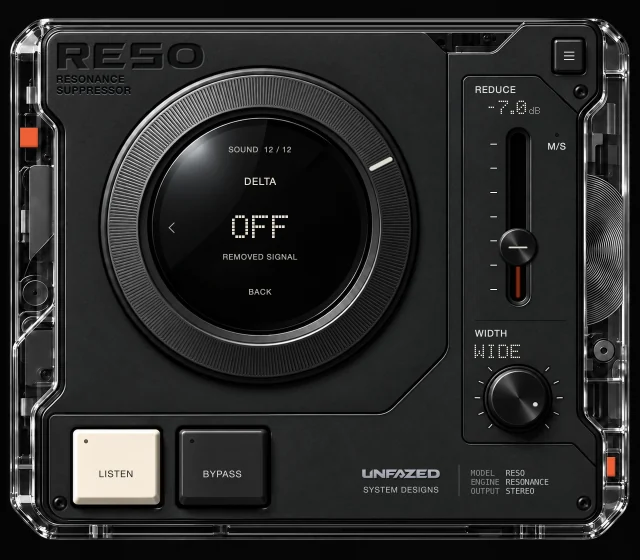
Hear only what the resonance cuts remove. LOW CUT, COMPENSATE, EXCITE and TONE are excluded.
ON / OFF
04 / TRUST YOUR EARS
Two ways to check your decision. Your ears still get the final say.
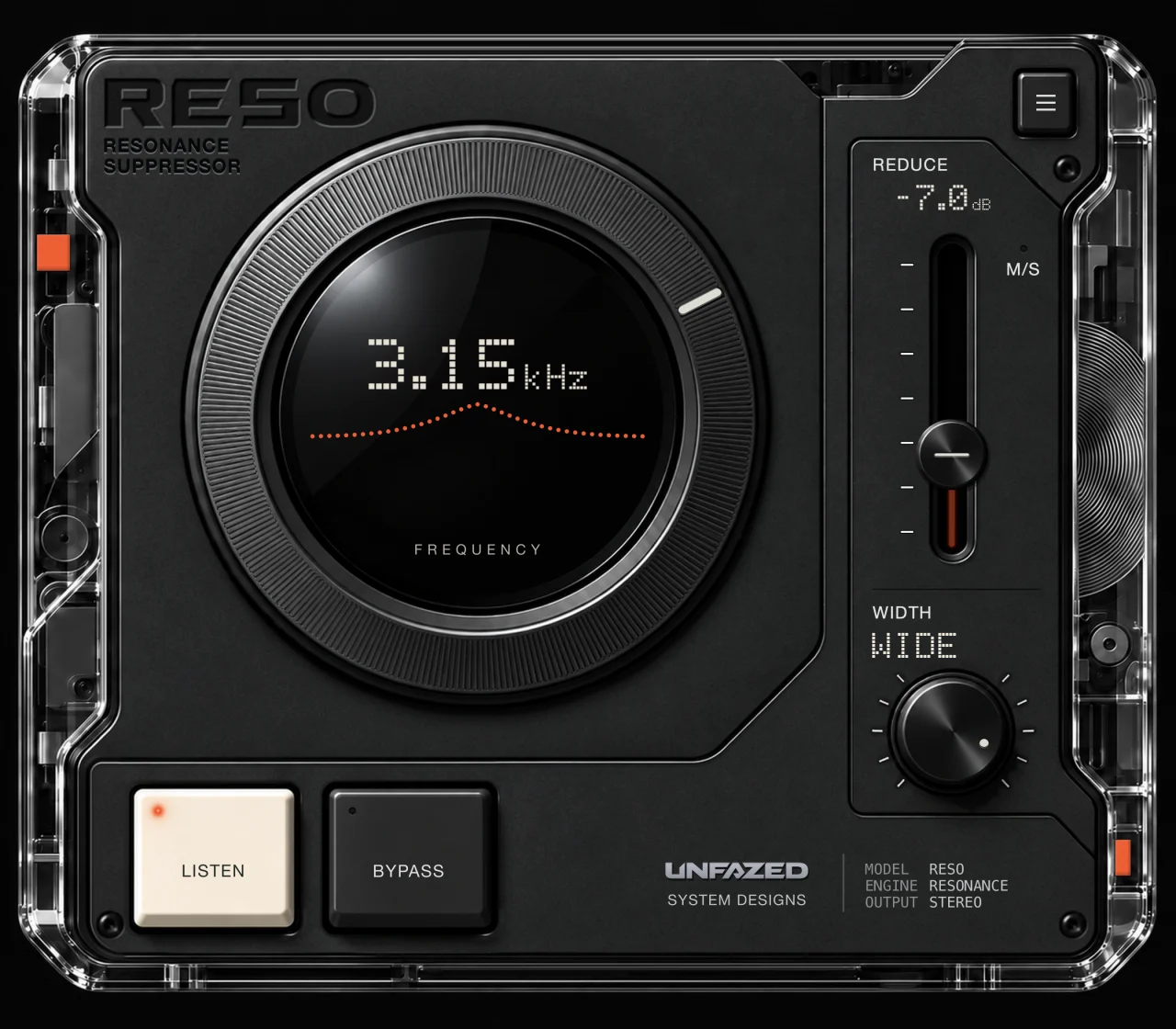
LISTEN
Solo the band around FIND while you sweep. LISTEN helps you locate the frequency you want to control.
DELTA
Open DELTA in the SOUND menu to hear only what the resonance cuts remove. Use RESO’s BYPASS button for a time-aligned comparison with the original.
05 / MAKE YOURSELF COMFORTABLE
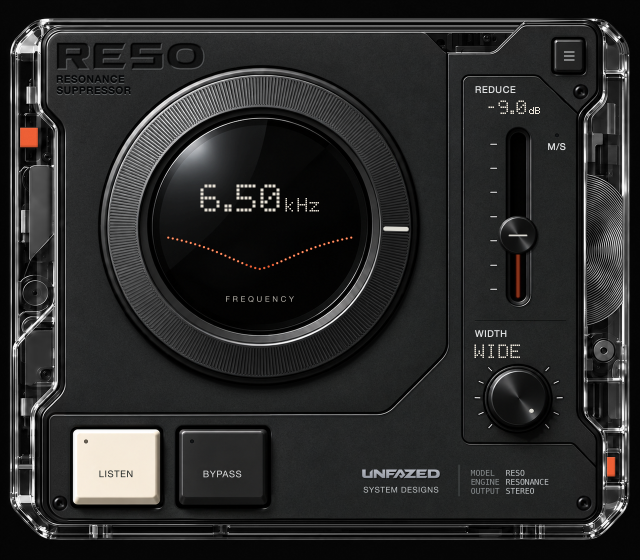
RESO opens at 100%. Choose 125% or 150% in SETUP → SIZE.
06 / SYSTEM REQUIREMENTS
macOS [Apple Silicon] & Linux
You choose the target with FIND. DYNAMIC then follows the level in that band and varies the cut up to the depth you set with REDUCE. OCTAVE can add cuts at twice and four times the target frequency.
LISTEN solos the band around your chosen frequency so you can locate it. DELTA plays what the resonance cuts remove, so you can check the result. They serve different parts of the process.
Install RESO through UNFAZED HUB. Sign in with your checkout email to access your purchased products, then choose which computer to activate. Until activated, RESO passes the audio through unchanged and the REDUCE fader stays grey.
No. There is no Windows version, and we have no plans to make one.
No. RESO’s formats are AU, VST3 and CLAP on macOS, and VST3 and CLAP on Linux. There is no AAX version for Pro Tools.
RESO [UF] / $29 USD
Less resonance. More room for the rest of your mix.